Effortless Workflow Documentation — How to Use n8n and AI
Keeping documentation for business processes accurate and up-to-date is a constant challenge. As workflows evolve, ensuring that the documentation reflects the latest changes can be a tedious and difficult task. However, a new approach leverages the power of AI to simplify and automate this process. This article introduces a video that demonstrates how to use the workflow automation tool n8n in conjunction with an AI model, Claude, to generate and maintain documentation for an Extract, Transform, and Load (ETL) process.
The Challenge of Documentation
The core problem addressed is the struggle to keep process documentation synchronized with inevitable changes. The video builds on a previous example of an ETL workflow that processes a supplier's product file, maps the data to the correct database schema, and then inserts or updates records in a retailer's database. This process involves specific business logic, such as conforming to product naming conventions, sizing, quantity, and color information, which all need to be documented.
An AI-Powered Solution
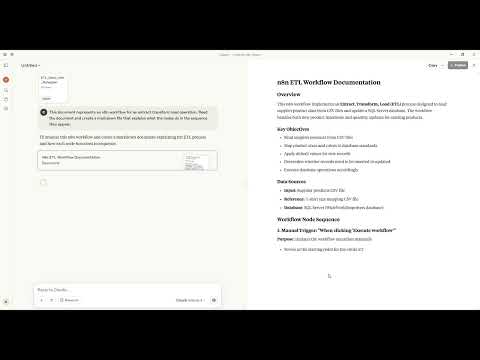
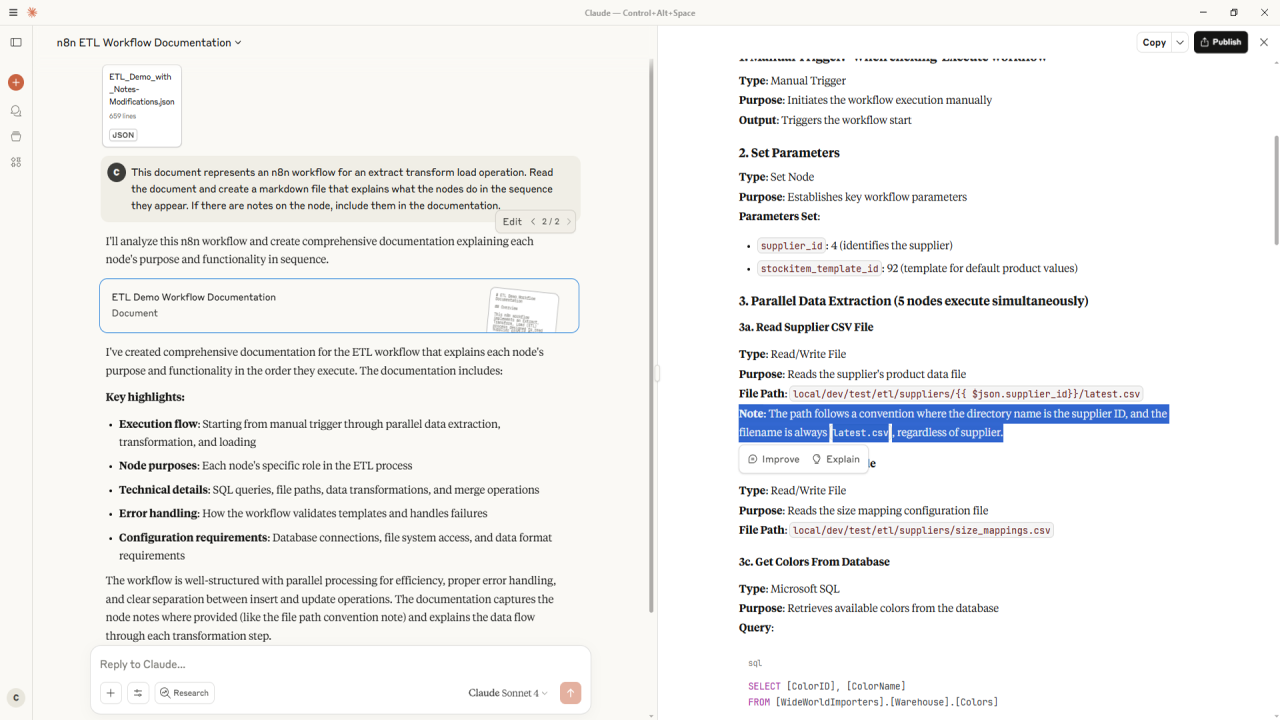
The demonstration showcases a streamlined method for creating and updating documentation. Since n8n workflows can be exported as JSON files, they can be easily fed into an AI tool like Claude. By providing the JSON file and a simple prompt, users can instruct the AI to generate a detailed markdown file explaining what each node in the workflow does, in the correct sequence.
The initial results are impressive, with the AI accurately documenting database column names, select filters, and data transformation logic. The generated documentation even includes a high-level summary of the workflow's key features.
Enhancing and Maintaining Documentation
To capture business-specific details that might not be explicit in the workflow's structure, n8n allows users to add notes directly to the nodes. For instance, a note can be added to specify a file path convention, ensuring this crucial information is included in the documentation. When the workflow is re-exported and fed to the AI with a slightly modified prompt to include these notes, the resulting documentation is even more comprehensive.
The video further illustrates how easy it is to keep documentation current. A conditional node is added to the workflow to handle potential errors. After exporting the updated workflow, the AI regenerates the documentation, now including the new error-handling logic.
Future Possibilities
This demonstration highlights a powerful and practical way to manage the often-demanding task of documentation. The potential applications of this method are vast, from automatically regenerating documentation whenever a workflow changes to integrating it into a formal approval process for production environments. By combining the strengths of n8n and AI, businesses can ensure their documentation remains a relevant and accurate reflection of their processes.
This article also includes a full video walkthrough: