
Visual Software Development — Claude Context Engineering from Mermaid Charts and Pseudo Code, to Working C# Code (Part 1)
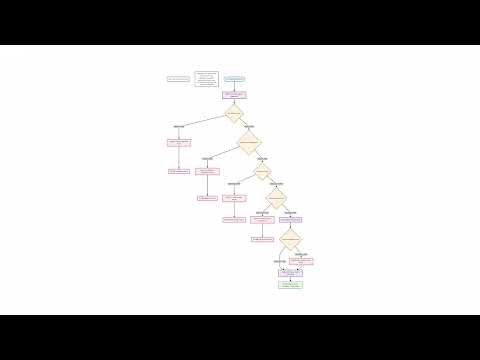
In this tutorial, we walk through how to build a Claude Code context that generates .NET C# code, visualized with Mermaid.js flowcharts and class diagrams. Our focus is on a familiar feature — User Registration — which defines the scope of our example.
We start by outlining the registration process: validating input, checking password complexity, preventing duplicate usernames, saving the user to the database, sending a confirmation email, logging key events, and reporting errors. These steps form the foundation of our pseudo-code and flowcharts.
To guide Claude Code, we create a few supporting markdown documents:
- Directory Structure — defines where pseudo-code, source code, and Mermaid diagrams live.
- Dotnet Stack — describes the C# language version, testing framework, and Entity Framework setup.
- Pseudo-code & Mermaid References — provide standards for structuring the generated code and diagrams.
- Initialization File — ties everything together for Claude Code.
With these in place, we prompt Claude Code to generate pseudo-code for the registration workflow and then transform it into a Mermaid flowchart. Finally, we create a Mermaid class diagram representing the data model passed into the workflow.
This setup illustrates how AI tools like Claude Code can help structure, document, and visualize a feature before writing a single line of production code. The example isn't a finished app, but a reusable foundation for exploring context engineering and AI-driven code generation.
Check out Part 2 of this post, where we continue building on our solution and generate code.
This article also includes a full video walkthrough: