
AI
Visual Software Development — Claude Context Engineering from Mermaid Charts and Pseudo Code, to Working C# Code (Part 2)
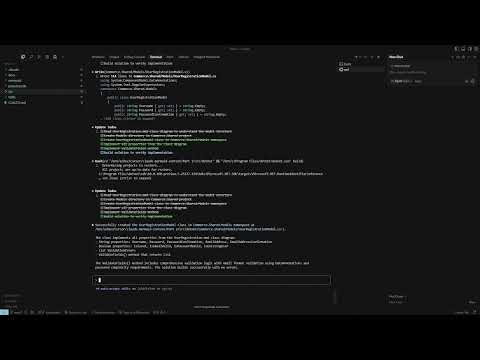
In Part 1 of this series, we built a Claude Code context for a User Registration workflow, complete with pseudo-code, flowcharts, and a class diagram. In Part 2, we take that context and generate working .NET C# code.
We start by reviewing our setup:
- Context documents — instructions for code generation, pseudo-code standards, technology stack, and a Mermaid class diagram defining our User Registration model.
- Generated assets — Claude's pseudo-code and workflow diagrams, which capture the seven key steps of registration: input validation, password checks, duplicate username handling, saving to the database, sending confirmation emails, logging events, and reporting errors.
With the foundation ready, we guide Claude through:
- Generating the .NET solution and project structure
- Creating the User Registration Model based on our class diagram
- Implementing the User Registration Workflow from the pseudo-code
- Writing and refining unit tests, ensuring each test checks the right scope
- Refactoring to eliminate duplicated validation logic and follow DRY and Single Responsibility principles
The final result is a working sample where model validation, workflow execution, and tests are neatly separated. While the generated code still uses simulated database and email operations, the process demonstrates how investing in context engineering makes AI-assisted code generation faster, cleaner, and easier to maintain.
Watch the video below to see the complete workflow, including prompts, refactoring, and unit testing in action.